
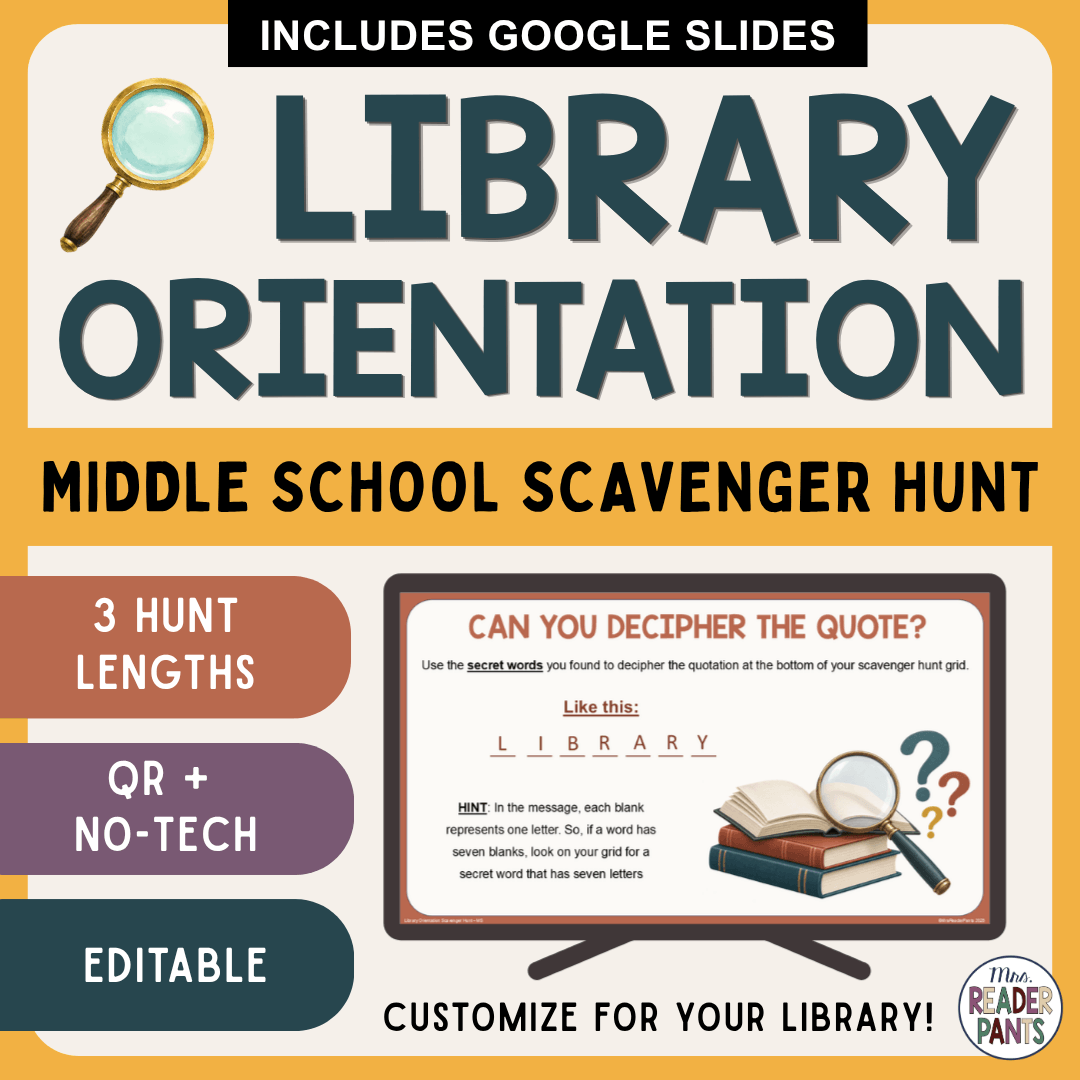

This Middle School Library Orientation Scavenger Hunt gets students moving, exploring, and learning where to find the resources they’ll use all year. Designed as a middle school library lesson, it includes three hunt lengths plus QR and No-Tech options. Use it as an engaging back to school library activity that you can customize for your own library space.
Instead of sitting through an orientation packed with information, students get up and explore the library for themselves. This middle school library lesson helps students locate the places, resources, and services they are likely to need throughout the school year.
Need a different version? Click here for the elementary version for grades 3-6, or click here for the picture version for ELL students.
This orientation activity includes:
Choose QR or No-Tech for every hunt length. Students record their words on the grid and use them to decipher the quotation at the end.
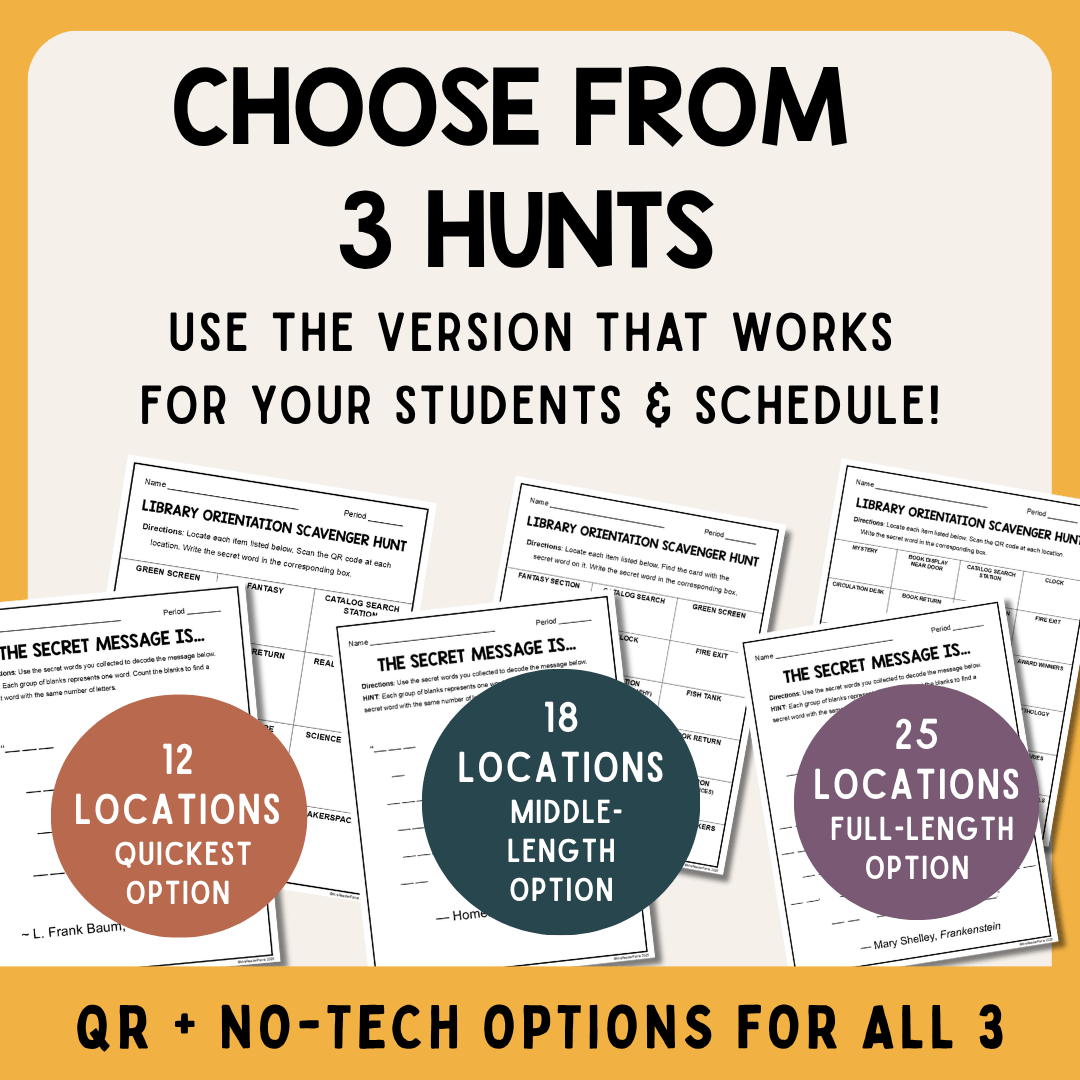
- 12-location, 18-location, and 25-location hunts
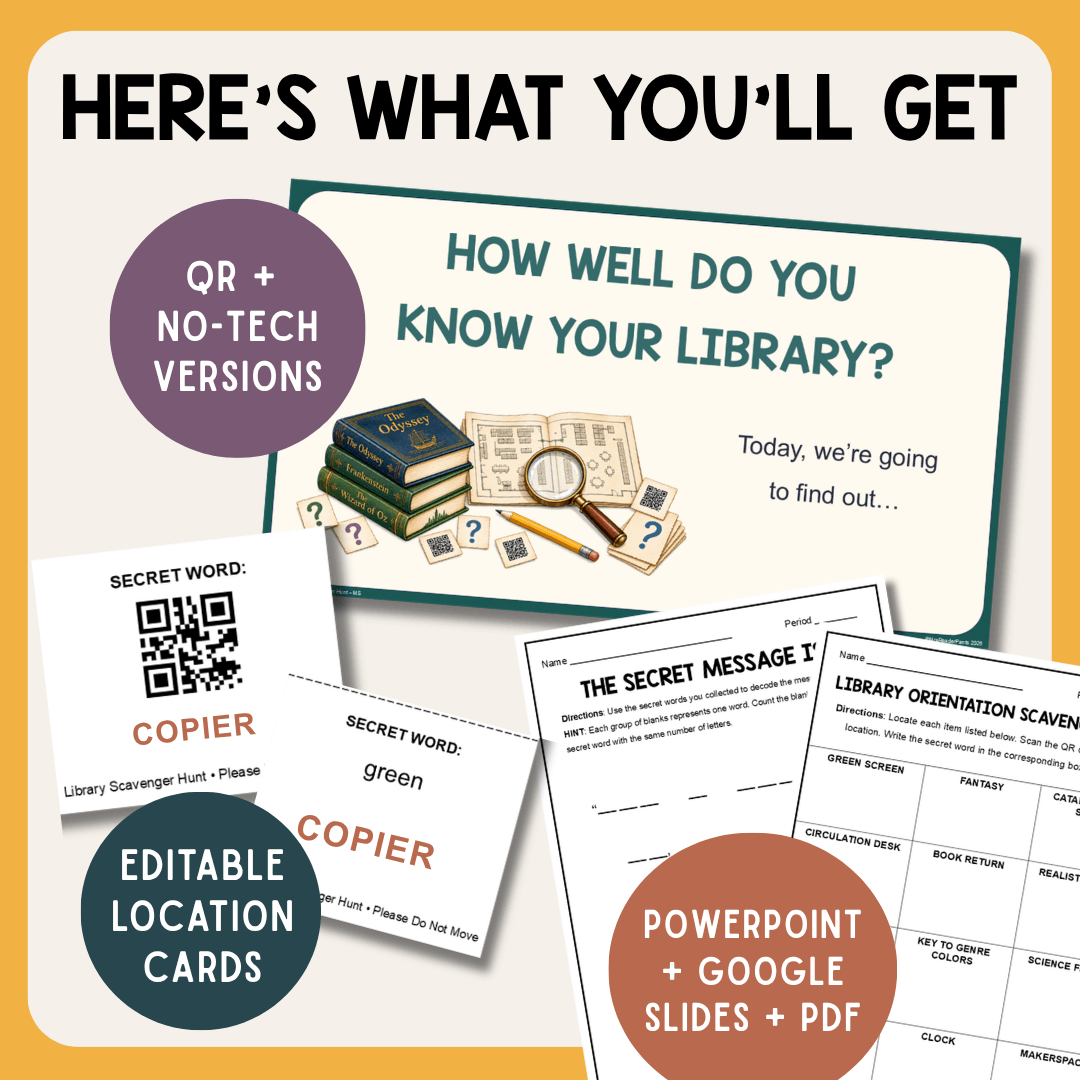
- QR Code versions for all three hunt lengths – Students scan a code at each location to reveal a secret word.
- No-Tech versions for all three hunt lengths – The secret word is printed directly on the location card.
- Editable location cards
- Editable student scavenger hunt grids
- Student Directions presentation for both the QR Code and No-Tech versions
- File versions: Microsoft PowerPoint, Google Slides, and print-ready PDFs
- Suggested library locations
- Location Key for recording your customized locations and secret words
- Detailed setup directions
- QR code test page
No formal lesson plan is included, but the teacher directions are clear enough for a certified school librarian to follow.
Choose the hunt length that works for your schedule and students. The 12-location hunt is the quickest option, the 18-location hunt provides a middle-length experience, and the 25-location hunt is the full-length option. Each hunt uses a different quotation from classic literature for the final secret message.
What will students do?
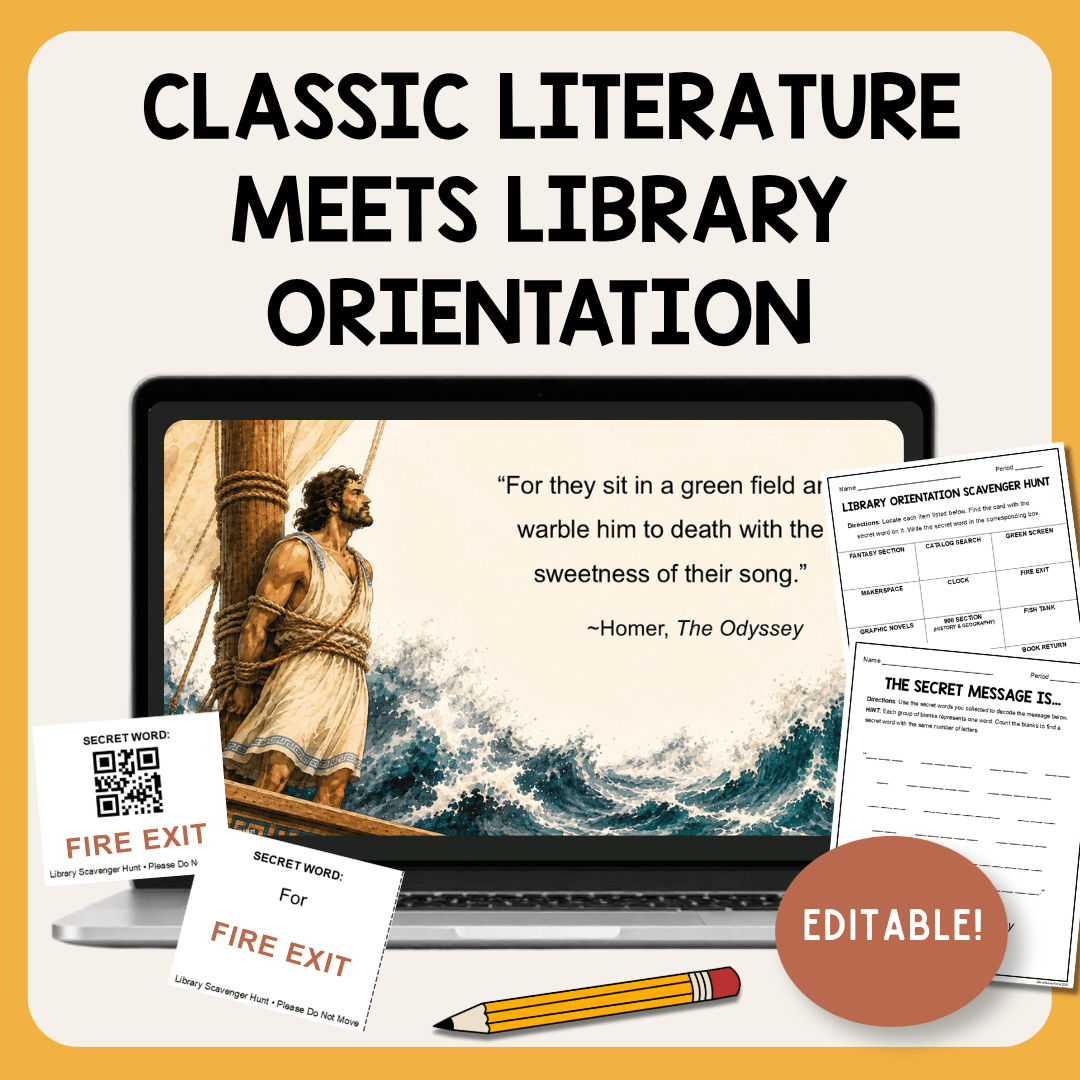
Students receive a scavenger hunt grid and move around the library locating the places and resources you selected. At each stop, they find a secret word—either by scanning the QR code or reading it directly from the No-Tech card.
After collecting all the words, students use them to decipher a quotation from classic literature. Each hunt length features a different book: The Wonderful Wizard of Oz by L. Frank Baum, The Odyssey by Homer, and Frankenstein by Mary Shelley.
The quotations add a literary twist while students learn their way around the library. For each quote, you can find the context, speaker, and where to find the quote in the Slide Notes area of the two presentations.
Standards Addressed:
AASL National School Library Standards – See the AASL Standards Framework for Learners to view full text.
- Inquire – A.2. – C.1.
- Collaborate – A.2.
- Engage – A.1. – D.1.
Common Core English Language Arts Standards –
© Copyright 2010 National Governors Association Center for Best Practices and Council of Chief State School Officers. All rights reserved.
- CCSS.ELA-Literacy.CCRA.SL.1 – CCSS.ELA-Literacy.CCRA.SL.2 – CCSS.ELA-Literacy.CCRA.R.7
- CCSS.ELA-Literacy.RI.6.7.
- CCSS.ELA-Literacy.SL.6.1. – CCSS.ELA-Literacy.SL.7.1. – CCSS.ELA-Literacy.SL.8.1. – CCSS.ELA-Literacy.SL.9-10.1.
Terms of Use
© Mrs. ReaderPants – By purchasing this product, you receive a one-user license. Copying or distributing to others is prohibited. See our Site Terms of Use for more information. For teacher-librarians: You may use this product with all of your classes and students.
Questions before buying? If the free preview file does not answer your question, you can contact us through this link with questions.

Reviews
There are no reviews yet.